
Examples
Each of these is one of the example programs in the repository's examples/, compiled to WebAssembly unchanged and running in your browser. The same code opens a native window with cargo run --example NAME.
Apps
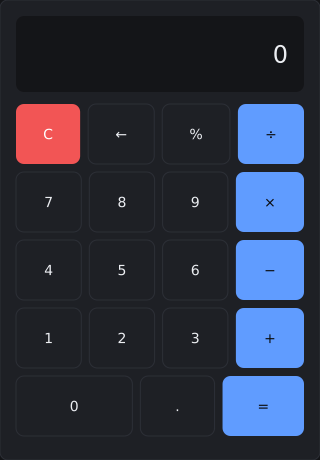
Calculator
A four-function calculator — a button grid (rows in a column), a result display, and a small state machine.
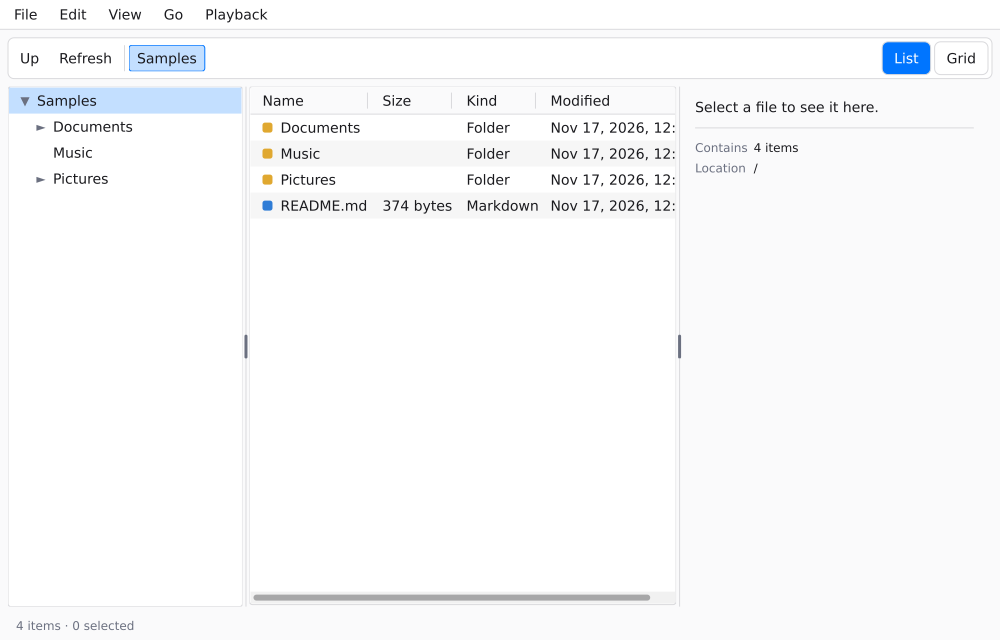
Media browser
The reference app: a file and media browser over a sample folder — folder tree, breadcrumb, sortable table and thumbnail grid, previews of pictures, sounds (play, pause, seek), text and Markdown, context menus, keyboard navigation and type-to-select, in English, French, Japanese and Arabic (mirrored).
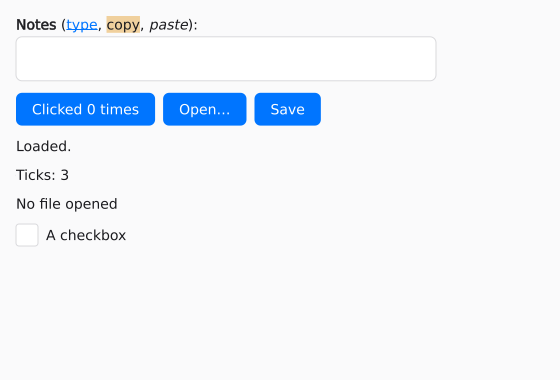
Settings window
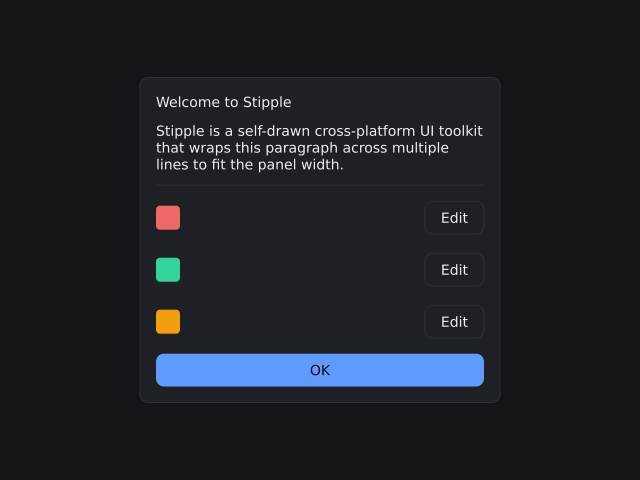
A settings panel: switches, a slider, a choice, and window controls.
Tabs, passwords and colors
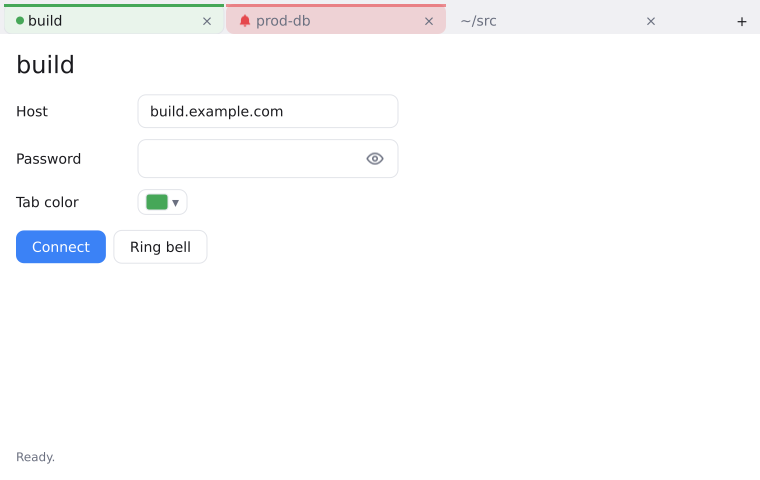
A document tab bar, a password field, a color picker and message boxes.
In-app purchases
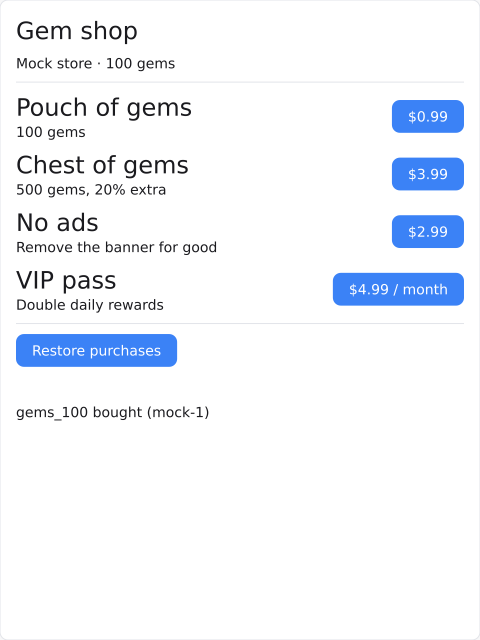
An in-app store screen: consumable gems, a no-ads unlock, a subscription waiting for a parent's approval, and Restore purchases, on the mock store (StoreKit or Google Play on a phone).
Widgets and layout
List gestures
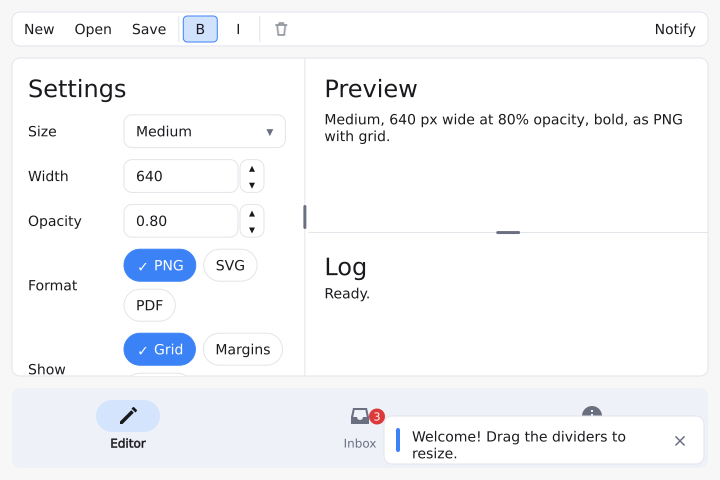
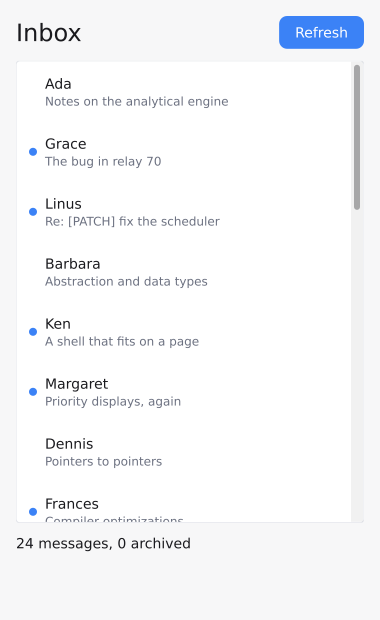
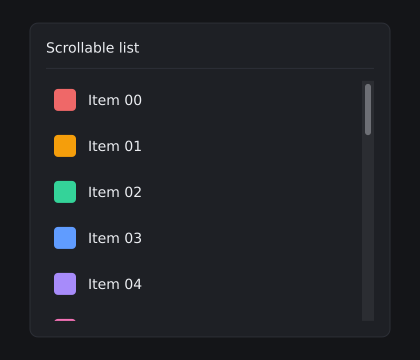
An inbox whose rows swipe to delete, archive or mark read, pulled down to refresh.
Menus and dialogs
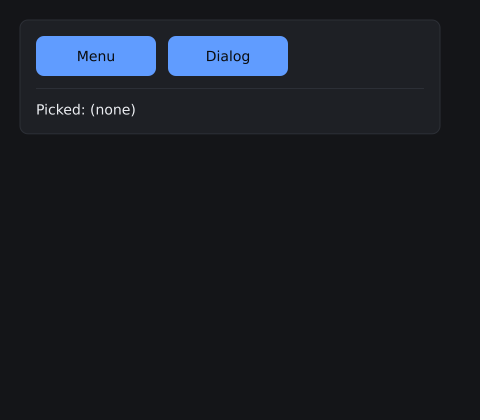
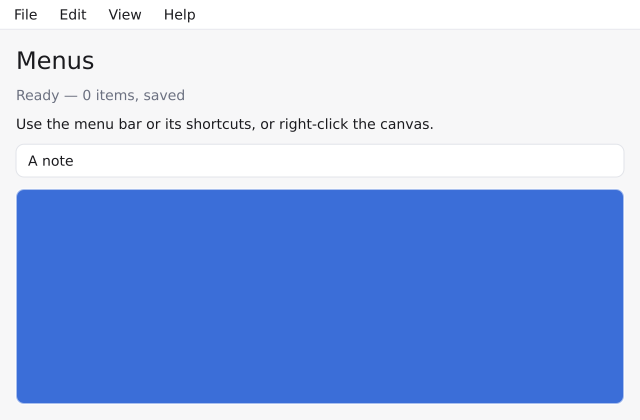
A dropdown menu and a modal dialog rendered as overlay layers.
Pages and sheets
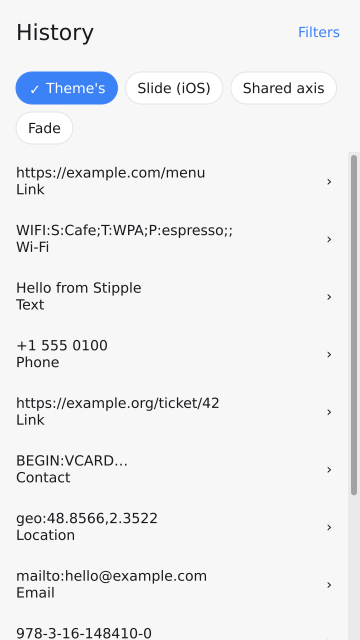
A stack of pages Back and the back gesture pop, with app bars, and bottom sheets dragged between detents.
Material 3
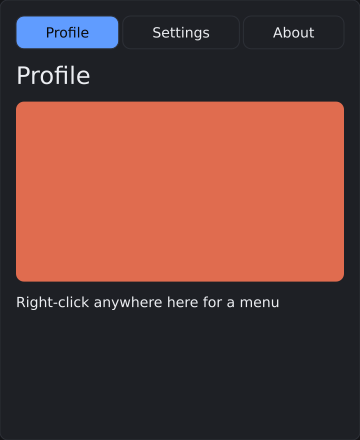
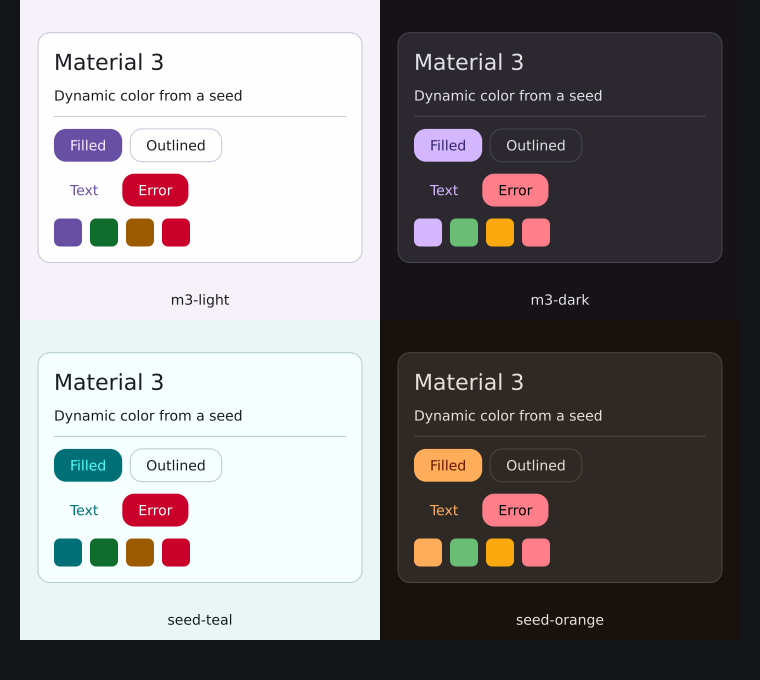
A Material 3 (Material You) dynamic-color theme — baseline light/dark plus seed-recolored schemes.
Embedded viewport
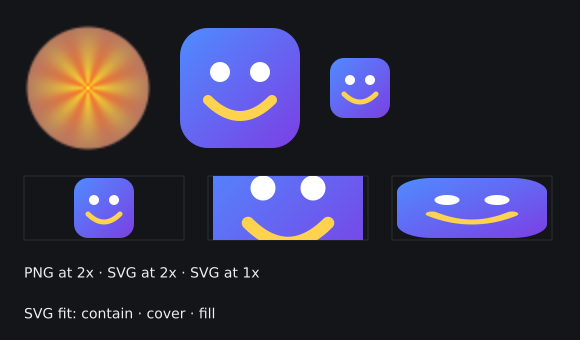
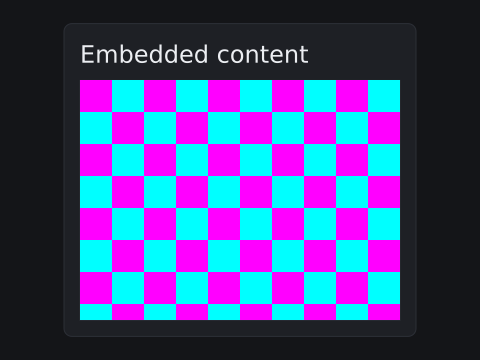
Composite externally-rendered content into an embedded viewport.
Text
Log viewer
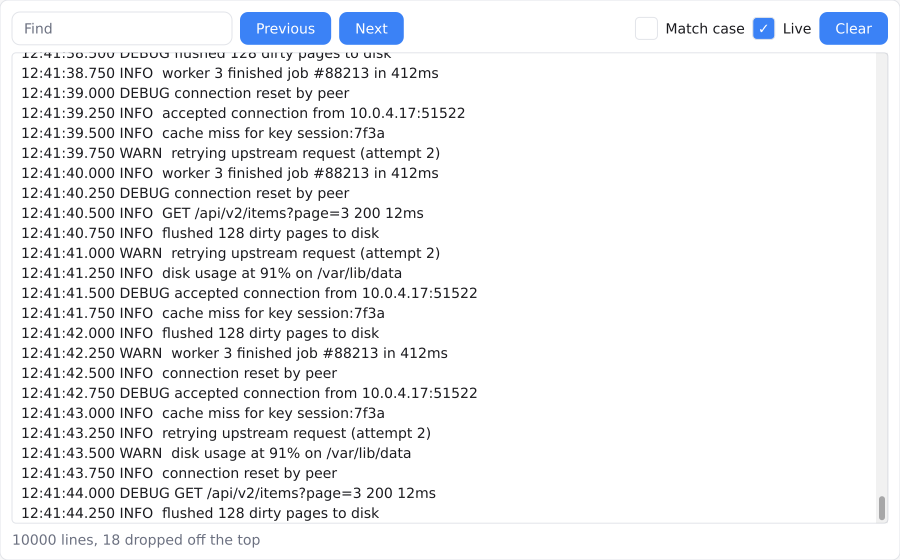
A log viewer: 10,000 virtualized lines that follow live appends, with find and selection across lines.
Right-to-left text
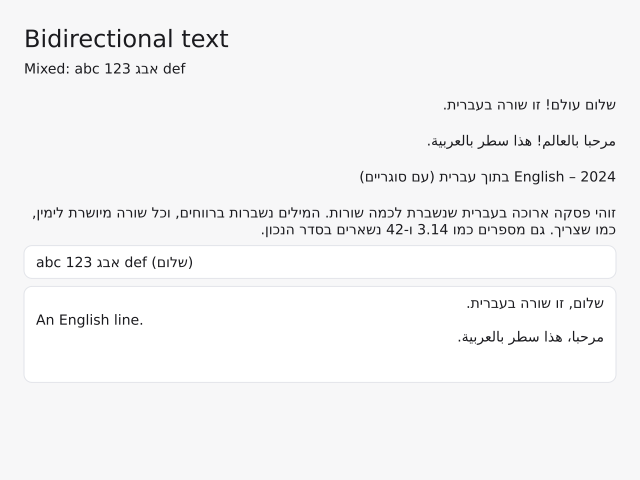
Right-to-left and bidirectional text (Hebrew, Arabic, mixed) in labels, a wrapped paragraph and editors, and a mirrored right-to-left UI (--mirror).
Localization
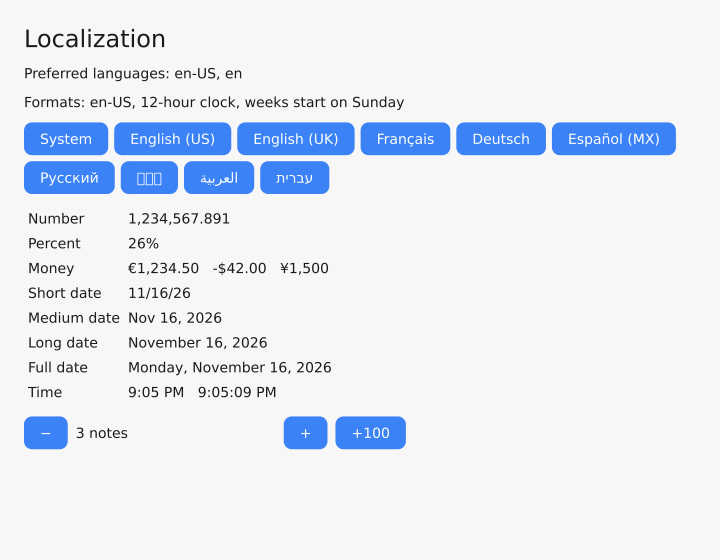
The user's preferred languages, numbers, money, dates and times in their locale, plural forms from a message catalog, and a mirrored UI for Arabic and Hebrew.
Rich and selectable text
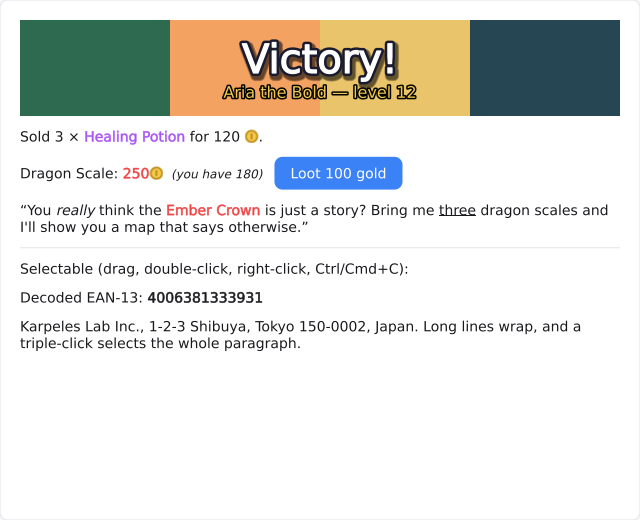
Styled text: runs in their own colors, weights and sizes with icons in the line, outlined and shadowed text over artwork, and labels you can select and copy.
Text flow around shapes
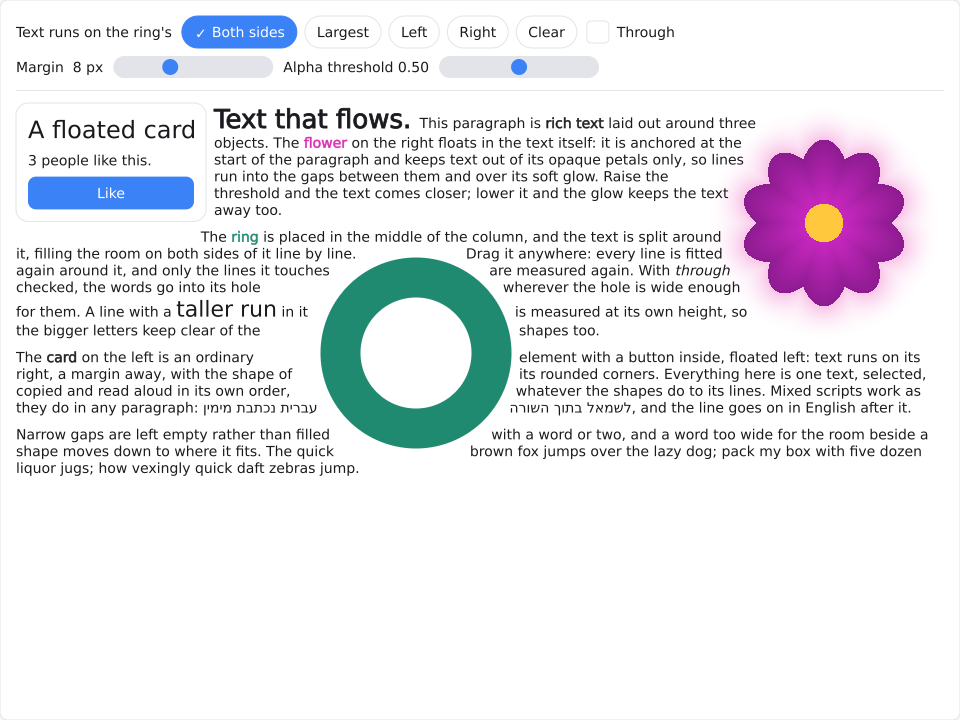
Rich text flowing around shapes: a floated flower whose transparent glow the text may run over, a ring in the middle you can drag (text on both sides, or through its hole), and a floated card with a button.
Rich text editor
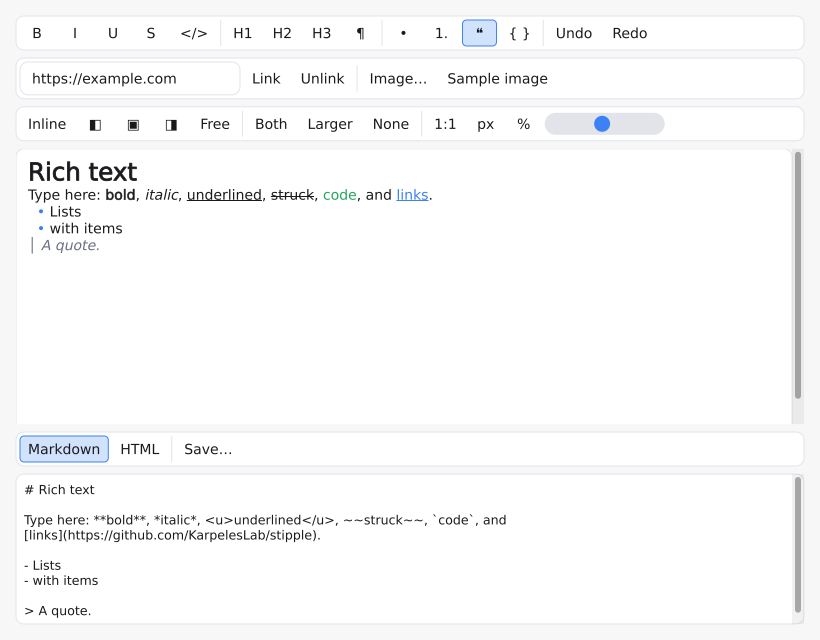
A rich text editor: a formatting toolbar (bold, italic, underline, strikethrough, code, links, headings, lists, quotes, code blocks, images, undo), and the document exported as Markdown or HTML.
Animation and graphics
Animated list
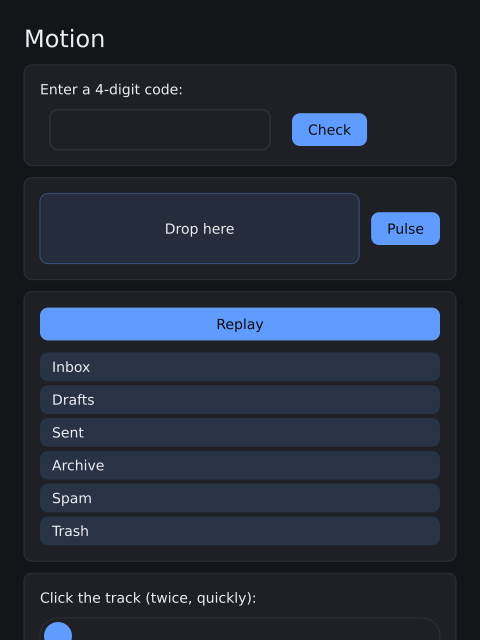
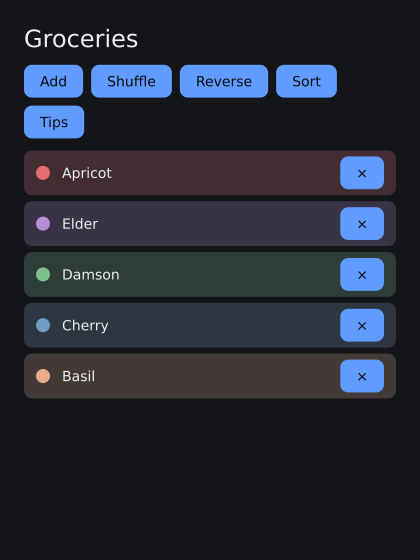
An animated list — items fade and slide in, fade out, and glide when the list reorders.
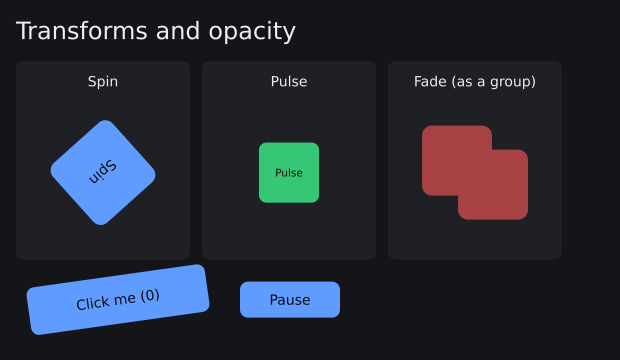
Transforms
Elements scaled, rotated, moved and faded as groups, still clickable where they are drawn.
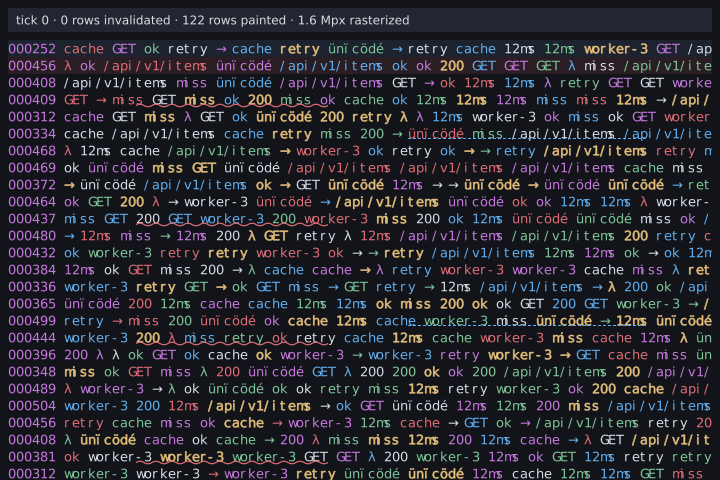
Custom painting
A custom-paint canvas drawing an animated glyph grid, repainting only the rows that change.
Games
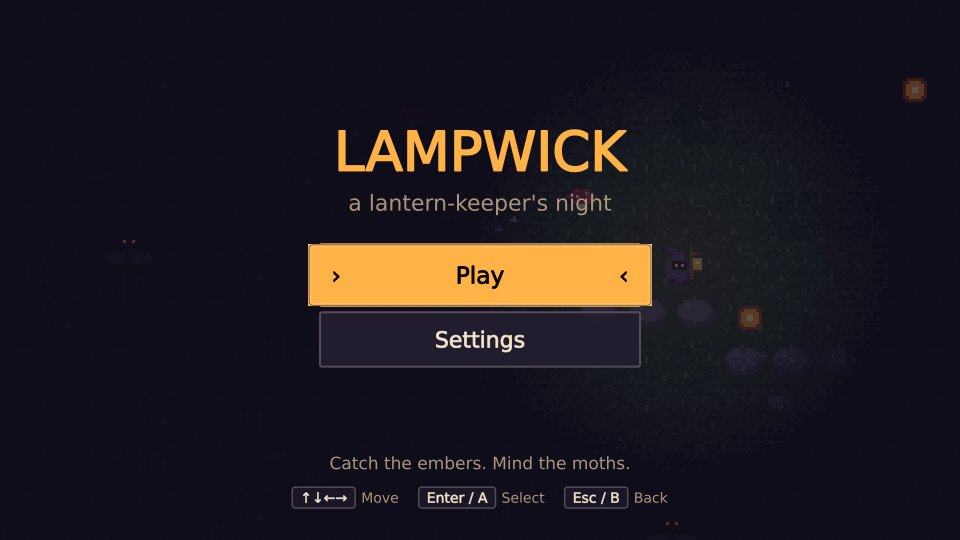
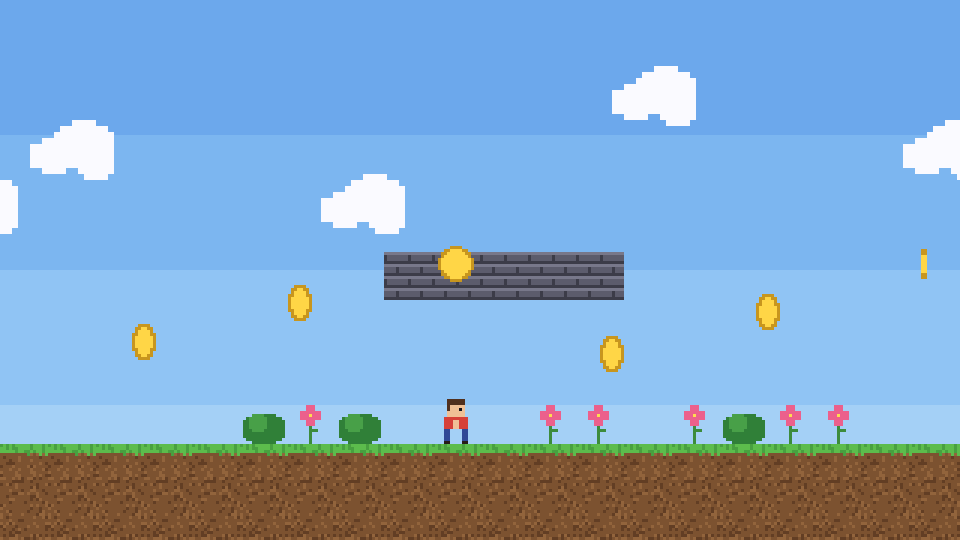
Sprites and tilemaps
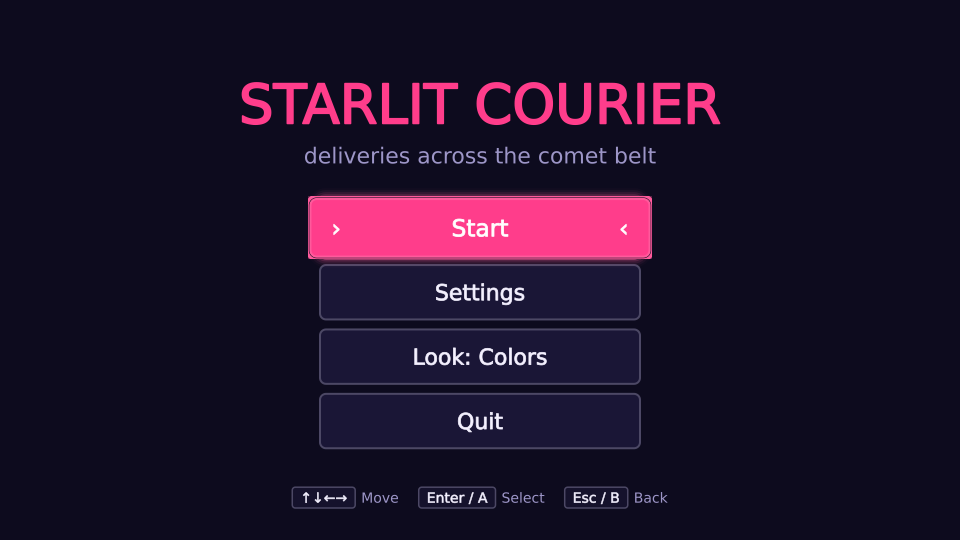
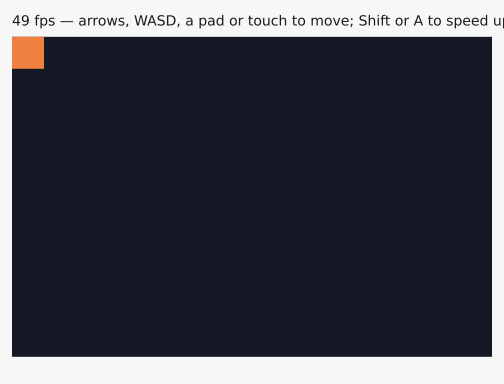
An animated sprite walking over a tilemap at a 320×180 pixel-art resolution, with a following camera; and a sprite-blitting benchmark.
Input
Pointer events
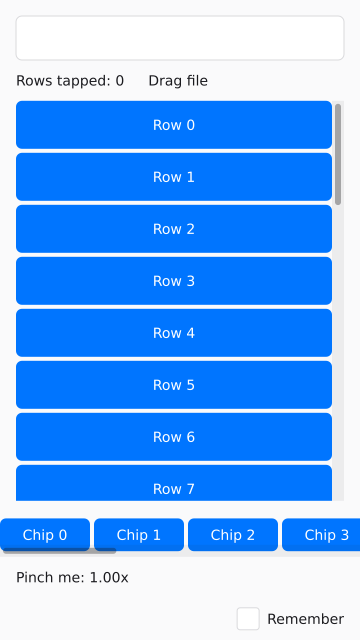
Every pointer and wheel event a custom element gets: buttons, double clicks, horizontal scrolling, the pointer leaving.
Video
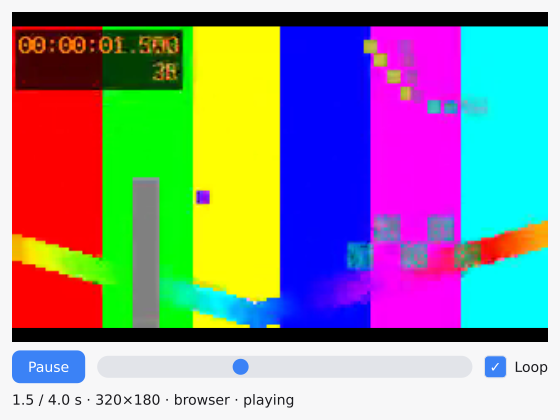
A video player: an H.264 clip playing in a video view, with play and pause, a seek bar and looping. The browser decodes it in a <video> the GPU renderer draws from; natively VideoToolbox (macOS, iOS), VA-API (Linux), Media Foundation (Windows) or MediaCodec (Android), else oxideav's MPEG-2 decoder.
Focus and closing
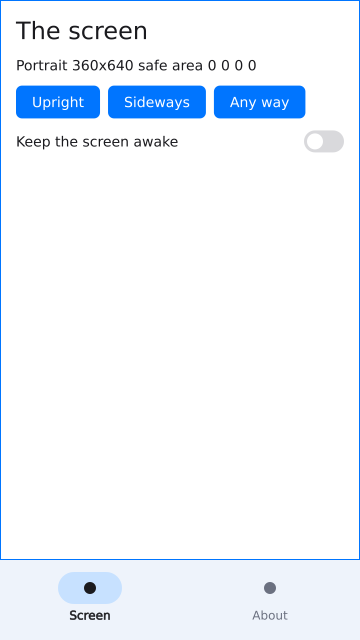
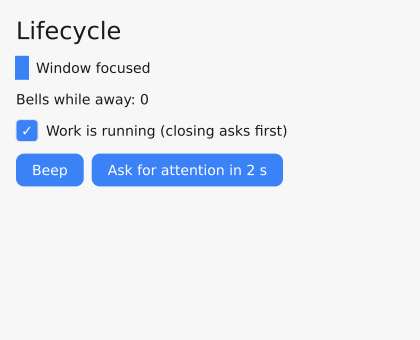
Confirming window close, following window focus, and asking for attention.
Network status
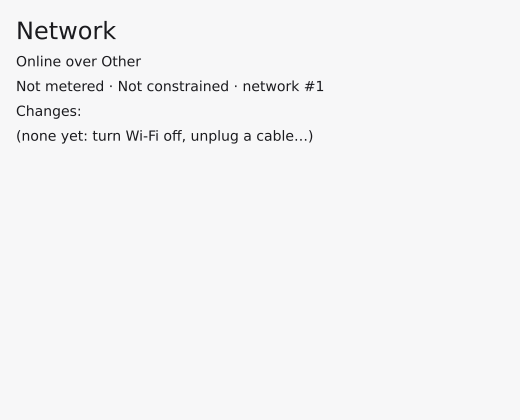
Whether the device is online, over Wi-Fi, cellular or a cable, metered or saving data, and each change as it comes (in the browser, navigator.onLine and navigator.connection).
Native only
These need something a browser doesn't have. Run them with cargo run --example NAME.
| Example | What it shows | Needs |
|---|---|---|
a11ydemo | Connect to D-Bus with the hand-written client in stipple::platform (the AT-SPI accessibility bridge foundation) and print the unique name. | Linux: talks to the AT-SPI accessibility bus over D-Bus. |
uiademo | Exercise the hand-written UI Automation provider in stipple::platform (the Windows accessibility bridge) and print what it returns. | Windows: the UI Automation provider. |
androiddemo | An Android app in a NativeActivity, with touch, keys, timers and animation (built as a cdylib for the APK). | Android: a NativeActivity in an APK. |
intentresult | An Android app calling an API Stipple doesn't wrap through stipple::platform::android: VpnService.prepare's consent dialog, started for a result, whose answer survives the activity being recreated. | Android: a NativeActivity in an APK. |
androidservice | An Android app with its own Java Service, BroadcastReceiver and app widget (with its own resources), declared in a manifest fragment, calling into Rust through native methods (packaged by cargo-stipple, optionally with Android libraries: AARs and jars). | Android: an APK built by cargo-stipple. |
contentproc | A separate content process renders into shared memory, passed to the UI process and composited into a viewport (CPU dual of the GPU dma-buf path). | Linux, macOS or Windows: a second process sharing memory with the UI. |
d3ddemo | Exercise the raw Direct3D 11 (WARP) backend in stipple::gpu and print what it created. | Windows: Direct3D 11. |
metaldemo | Exercise the raw Metal backend in stipple::gpu and print what it created. | macOS: Metal. |
gpudemo | Render a frame on the CPU, then route it through the GPU (stipple::gpu) and dump the read-back RGBA. | A GPU (EGL + GLES2, --features gl); it prints what it read back. |
gpuwindow | A real window whose frames are rendered on the GPU (stipple::gpu) and presented through the platform Surface. | A GPU (EGL + GLES2) and a native window. |
dmabuftest | Prove cross-process GPU surface sharing — export a GL texture as a dma-buf and re-import it (EGL_MESA_image_dma_buf_export / EGL_EXT_image_dma_buf_import). | Linux: EGL dma-buf export and import. |
dri3probe | DRI3Open over the raw X11 socket -> the server's DRM fd -> bind that GPU via GBM and round-trip a dma-buf (DRI3 + Present groundwork). | Linux: X11 with DRI3 and GBM. |
traydemo | A tray icon with a menu, a desktop notification, and opening URLs and files in their default apps. | A desktop with a system tray (Linux, Windows or macOS). |
instancedemo | One instance per user: a second launch hands its arguments, directory and activation token to the running one and exits; on macOS, the Dock's reopen, files dropped on its icon, its menu, and the Window, Services and Help menus. | A desktop (Linux, Windows or macOS). |
securestore | Store, read back and remove secrets with platform::secure_store: the Keychain, Credential Manager or the Secret Service, from a terminal. | The OS's secret store (the Keychain, Credential Manager, a Secret Service such as GNOME Keyring); the web has none. |
filedialog | Native file dialog via the xdg-desktop-portal FileChooser (D-Bus), with a built-in mock portal for headless verification. | A desktop's file dialog (the portal on Linux, IFileDialog, NSOpenPanel). The web demo opens and saves files in the browser. |
glass | A translucent window: the desktop shows through its background, whose opacity a slider sets, optionally blurred (--blur). | A desktop window the compositor blends with what is behind it; the web's canvas is part of the page. |
multiwindow | Two real OS windows (X11), each a pane with its own view onto the shared app state. | A desktop: two OS windows on one state. The web has one canvas per app. |
ownedwindows | Windows that belong to another: a modal Preferences sheet, an owned tool window, a message box for one window, and a find bar that takes focus as it opens. | A desktop: windows owned by other windows. The web has one canvas per app. |
asyncdemo | Timers and background work updating the UI through an AppHandle. | Threads: it runs background work on a thread, which wasm32-unknown-unknown doesn't have. |
dropdemo | Dropping files and text from other applications, and dragging items inside the app. | A desktop: files and text dropped from other apps (the web backend doesn't take drops yet). |
framepacing | Animates for three seconds, then idles for three: presents must follow the display's refresh, and the idle app must present nothing and never wake (docs/gpu.md#frame-pacing). | A native window; STIPPLE_RENDERER picks the GPU path. It prints the frame counts and exits 1 when they're off. |
fontdemo | System fonts by family name, bold and italic faces (real or synthesized), a fallback chain, terminal metrics, and text decorations (underline styles, strikethrough, overline, colors). | System fonts, found by family name; the web has only the font the page loads. |
bench | Stipple's benchmarks: frames, interactions, sprites, layout and text, timed on the software and GPU renderers, with a JSON report (docs/performance.md#benchmarks). | A terminal: it prints a table and writes JSON. In the browser it runs from tools/bench/ instead. |
extensiondemo | An iOS app with a notification service extension written in Rust (its principal class made at run time), sharing files through an app group's container. | iOS: cargo-stipple packages the extension into the app's PlugIns/ (examples/extensiondemo/package.toml). |