
Stipple
A cross-platform UI toolkit in Rust that draws every pixel itself: the same app on Linux, Windows, macOS, iOS, Android and the web.
cargo add stippleEverything on this site that moves is Stipple, compiled to WebAssembly and drawn into a canvas. Click, type, scroll.
Try the examples
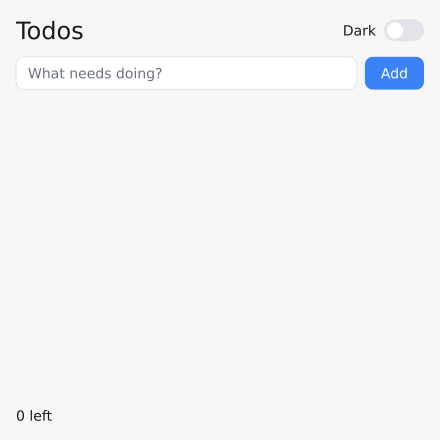
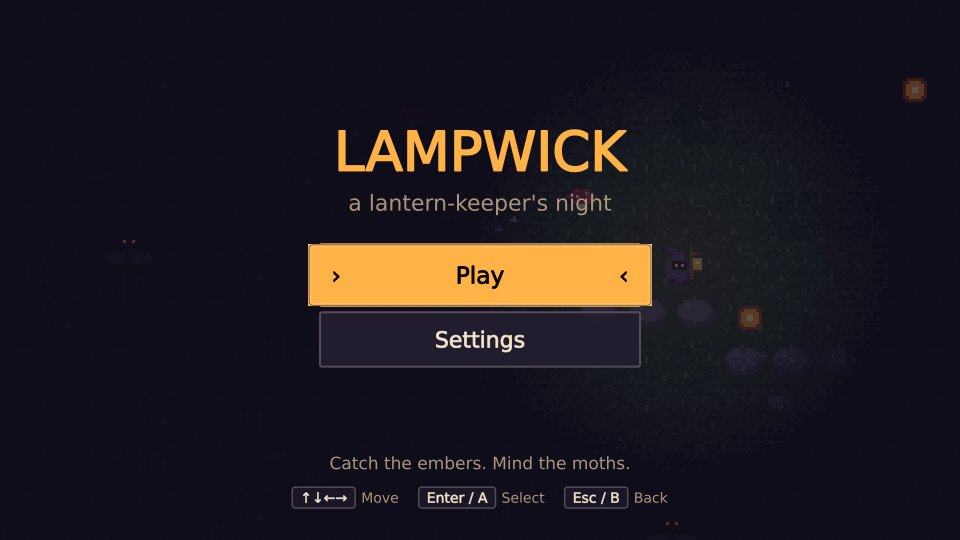
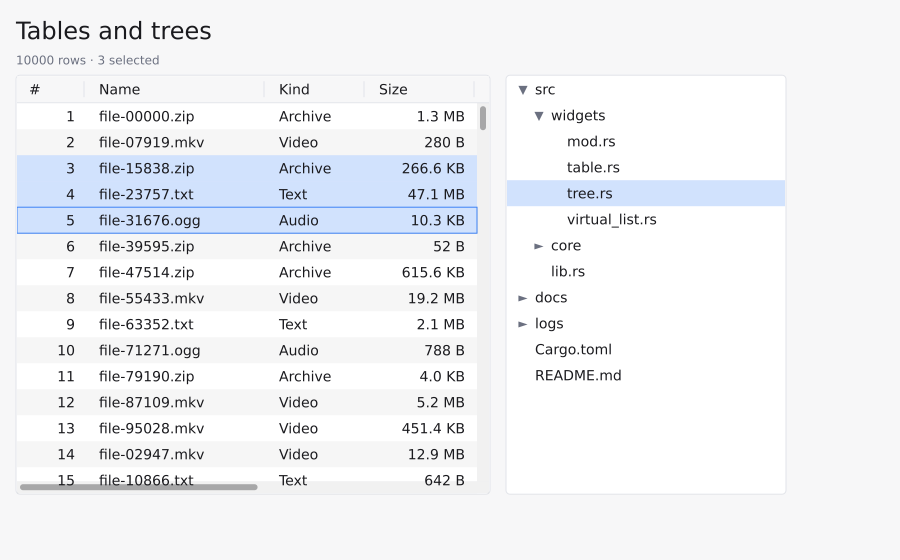
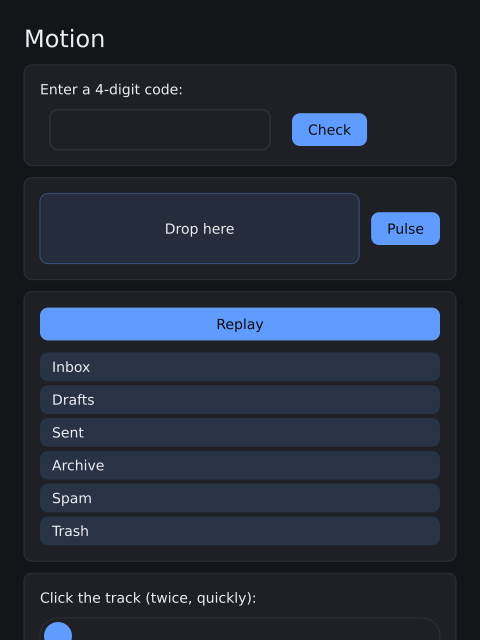
A cross-platform UI library and toolkit in Rust.
Stipple draws beautiful, fully themeable interfaces on Linux, macOS, Windows,
Android, iOS, and the web — pixel-identical across platforms under its own
themes, or native under Theme::native() — while depending on as little
third-party code as possible.
Try it in a browser: the site has
the guides with the examples running in them, and a
gallery of the examples
(wasm + canvas, deployed from master).
It builds on the pure-Rust oxideav media stack
for all 2D content rendering (scene graph, CPU rasterizer, font shaping, image
decode, SVG) and adds everything around it: native windowing and input per OS,
presenting the rendered buffer, and a declarative, reactive UI toolkit.
use stipple::prelude::*;

struct Counter { n: i64 }

fn view(state: &Counter, cx: &mut Cx<Counter>) -> Element {
    column(vec![
        heading(cx, format!("{}", state.n)),
        row(vec![
            button(cx, "−").on_tap(cx, |s| s.n -= 1),
            button(cx, "+").on_tap(cx, |s| s.n += 1),
        ])
        .gap(8.0),
    ])
    .gap(12.0)
    .padding(Insets::uniform(24.0))
}

fn main() {
    App::new(Counter { n: 0 }, view)
        .title("Counter")
        .theme(Theme::dark())
        .run();
}
New to Stipple? Getting started builds a todo
list step by step, from cargo new to testing it headless.
Status: pre-alpha. The architecture and phased plan live in
ROADMAP.md. APIs are unstable.
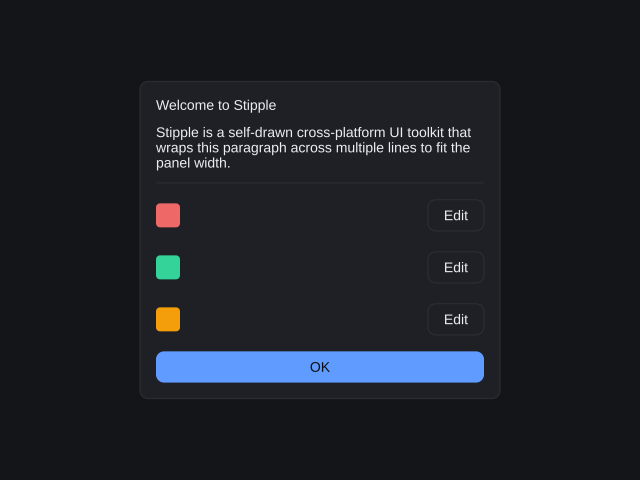
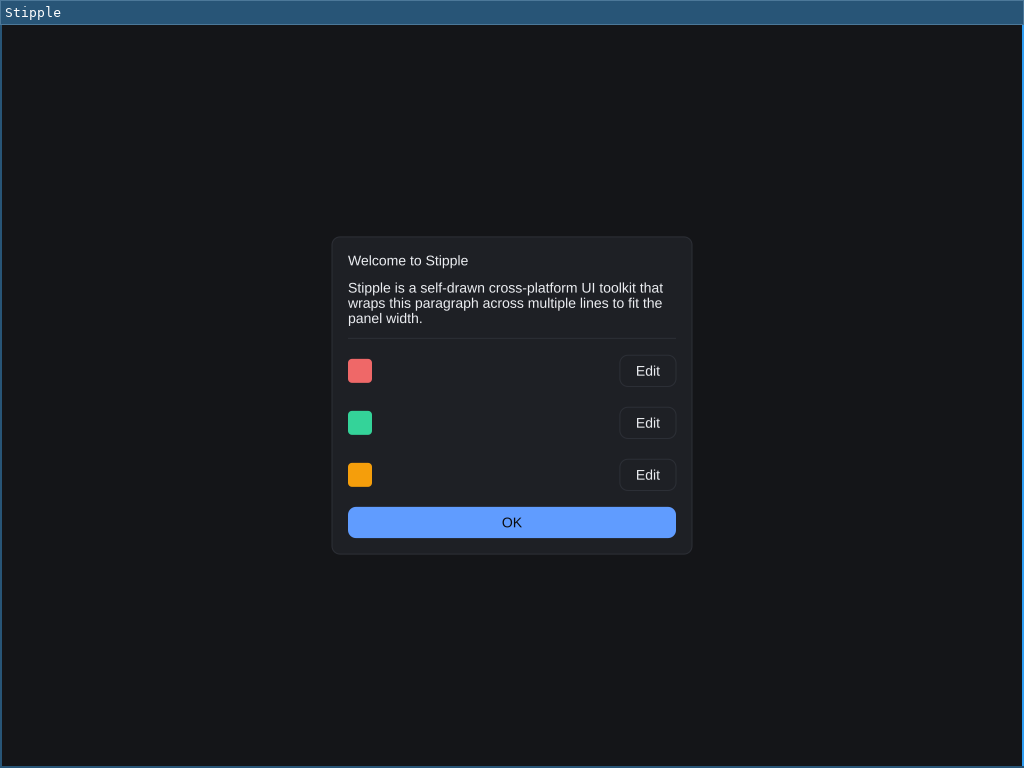
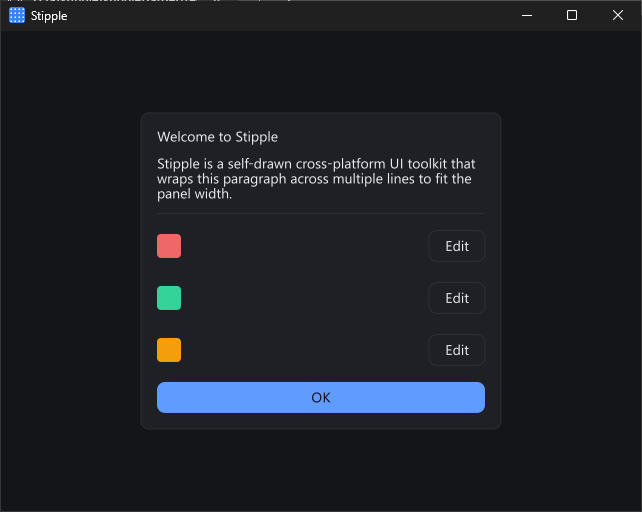
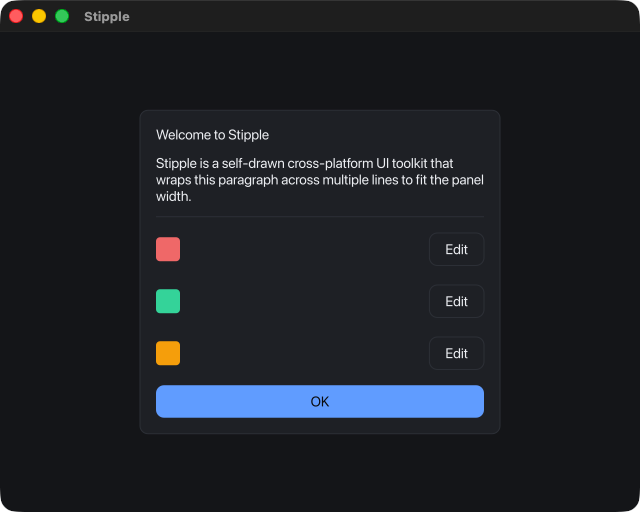
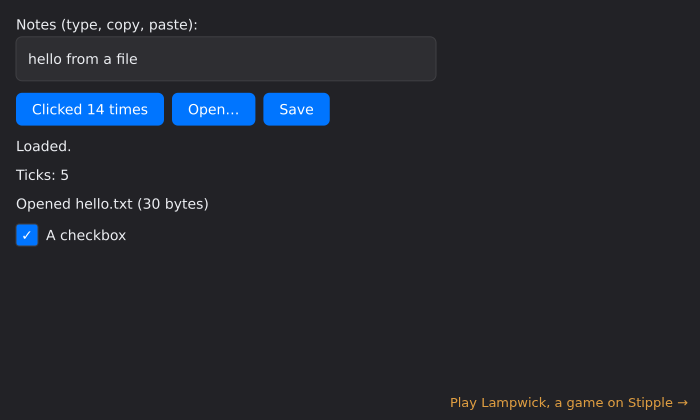
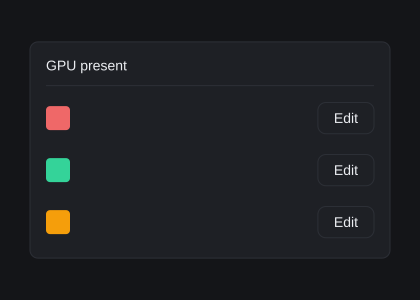
The same app, rendered by Stipple's native backends and screenshotted in CI
(the Visual workflow) — Linux X11 (under Xvfb) and Wayland (under headless
sway), Win32, and Cocoa, each from-scratch with no windowing crates:
| Linux / X11 | Linux / Wayland | Windows / Win32 | macOS / Cocoa |
|---|---|---|---|
 |  |  |  |
| Web / wasm + canvas | GPU / GLES (offscreen) |
|---|---|
 |  |
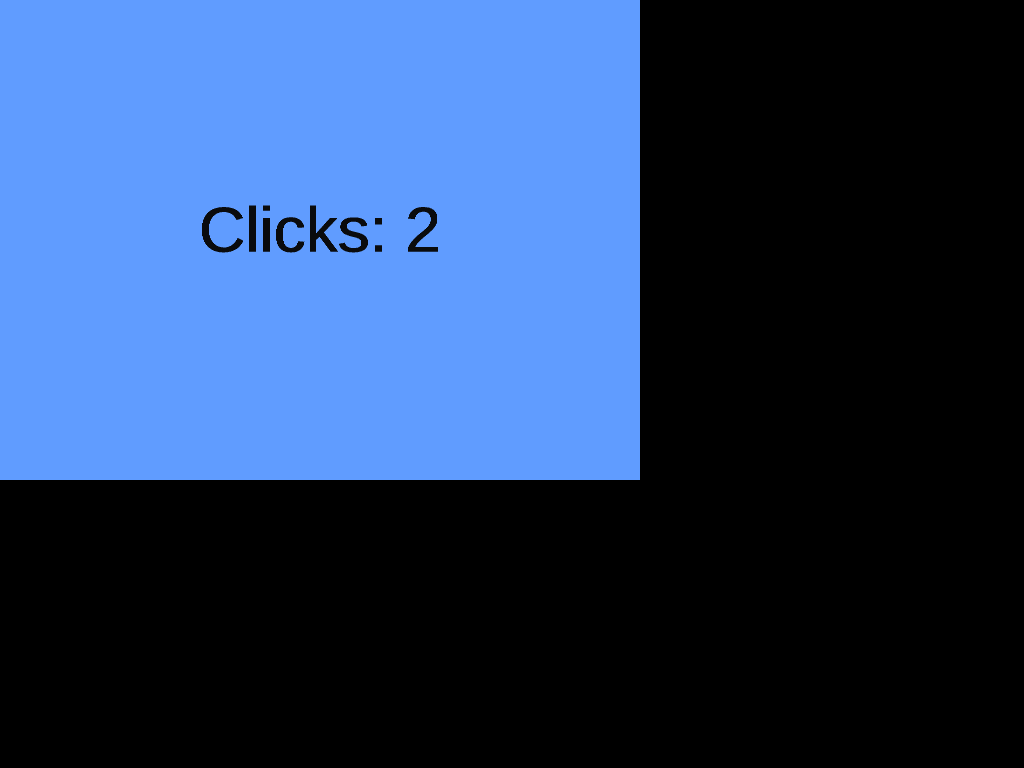
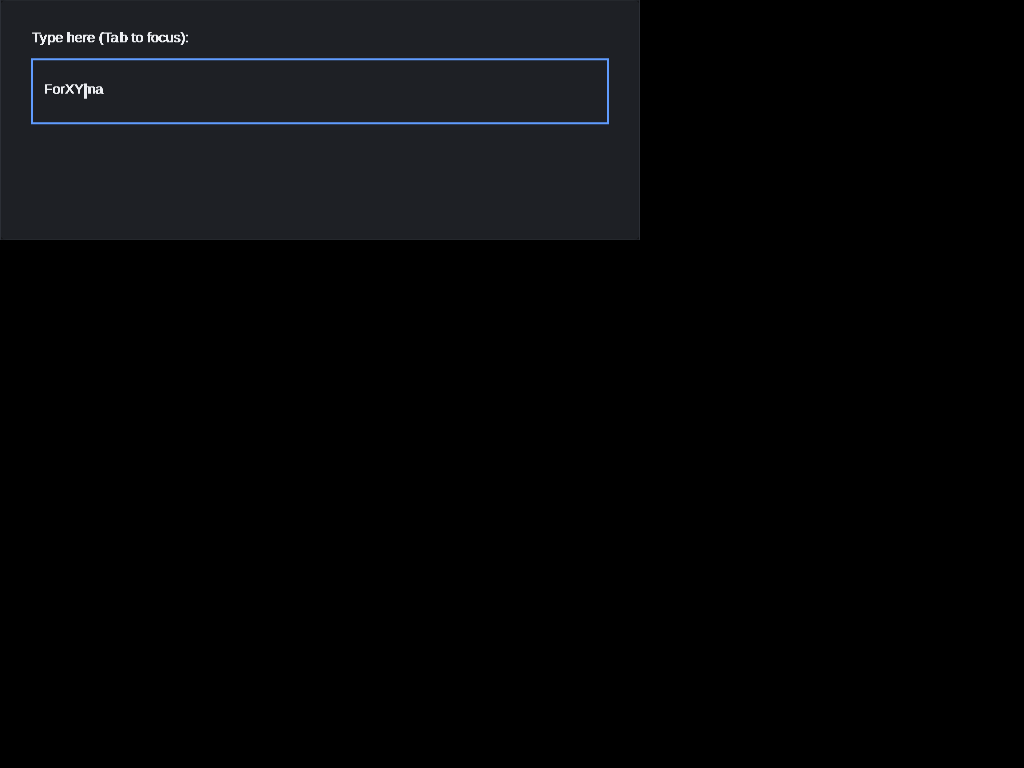
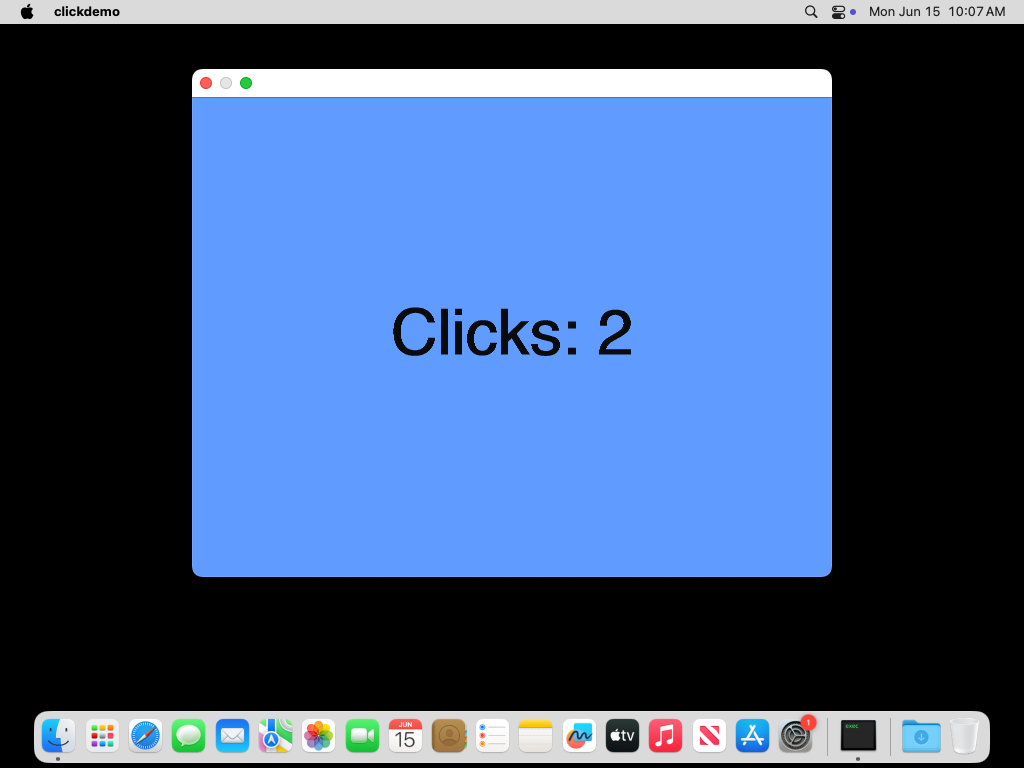
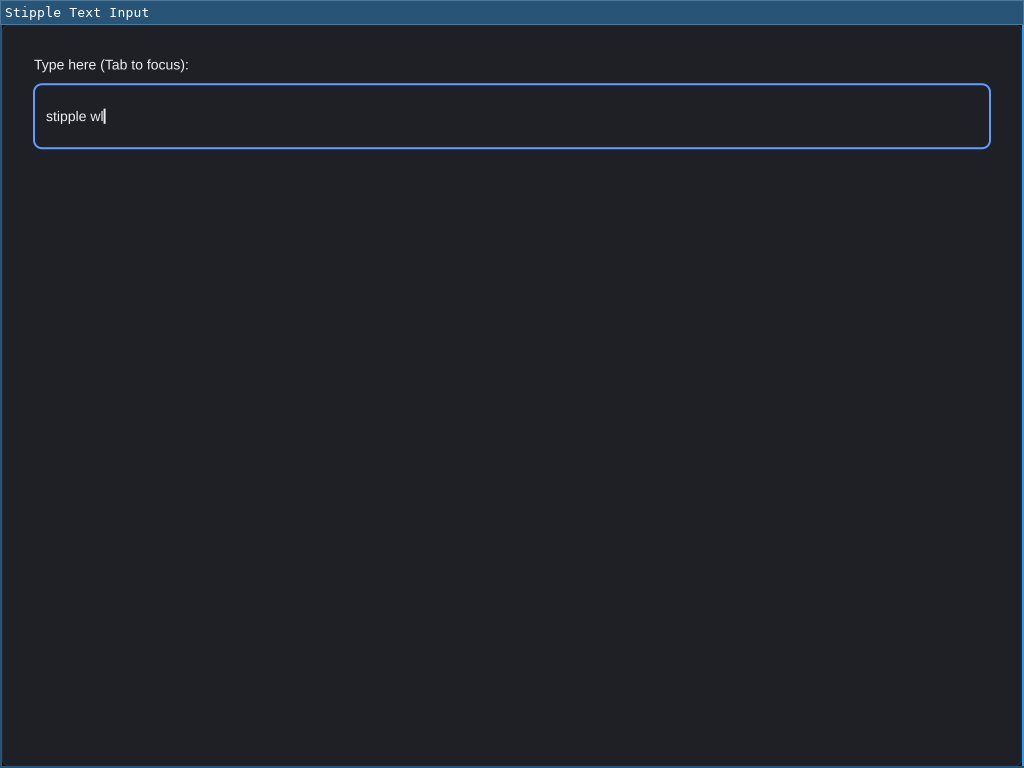
Input is verified too: CI synthesizes real events and screenshots the result —
X11 via xdotool (clicking a counter; caret-aware editing — type "Stipple",
arrow-left twice, insert "XY" → "StippXYle" with a mid-string caret), macOS via
cliclick, and Wayland via wtype (whose virtual keyboard exercises the
wl_seat keyboard + xkb-keymap decode path — Tab to focus, then type "stipple
wl"):
| X11 click | X11 edit (mid-string caret) | macOS click | Wayland type |
|---|---|---|---|
 |  |  |  |
Native look
Theme::native() follows the system's light/dark mode and accent color, and on
Windows, macOS and iOS has the OS's own UI framework draw the controls: uxtheme,
AppKit and UIKit, each rendering a control's chrome into a bitmap. Stipple keeps
layout, input, the caret and the labels. Linux has no native framework and Android's
needs the JVM, so controls stay self-drawn there, in the system's colors.
| Windows | macOS | iOS | Linux |
|---|---|---|---|
 | 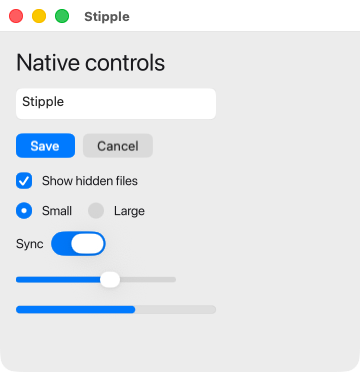 | 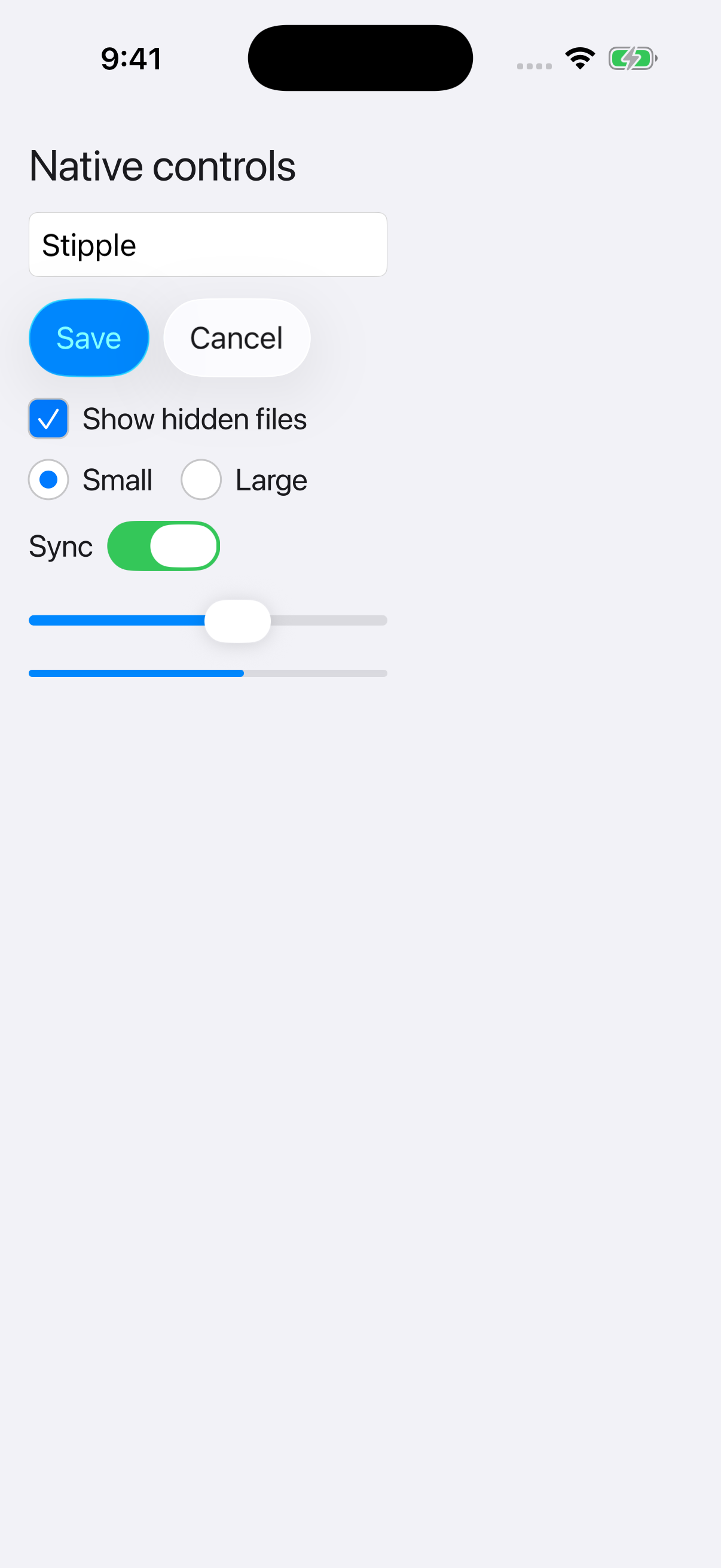 | 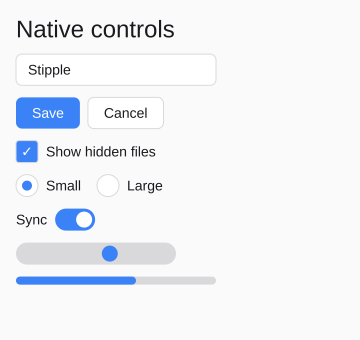 |
Windows has no switch and iOS has no checkbox or radio button, so those stay
self-drawn. The GPU backends can't draw these bitmaps yet, so App::render_with
skips the controls' chrome under this theme.
These screenshots, and the others on this page, are committed by CI after each
green push to master.
Themeable by design
Every widget reads its colors and metrics from a [Theme] — a semantic
Palette (roles, interaction states, status colors, overlays), a Typography
scale, a Spacing scale, and a corner radius. Customizing is a one-liner:
Theme::dark().accent(color).radius(14.0) recolors the accent,
derives its hover/active tints, and picks a readable on-color automatically;
high_contrast() maximizes text/border contrast. Material 3 is built in
too: Theme::material3_light() / material3_dark(), or
Theme::material3_from_seed(color, dark) for Material You dynamic color from
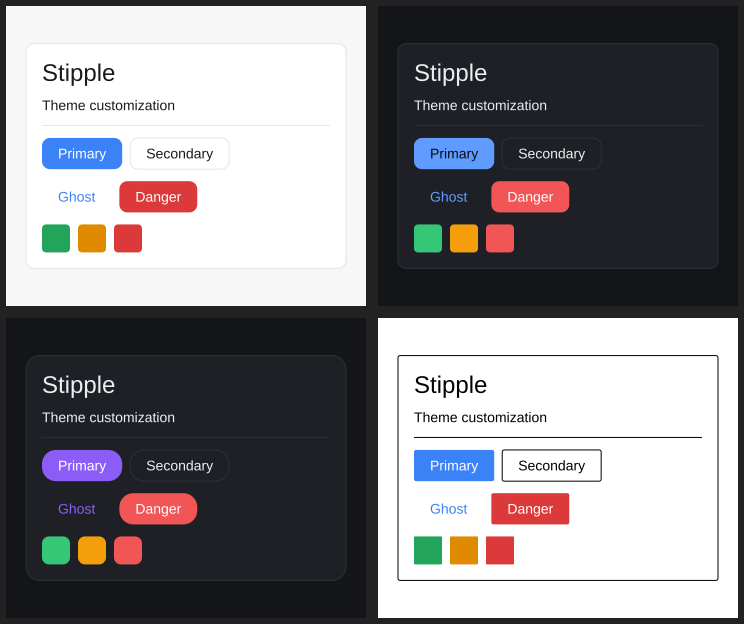
any seed. The same card below is rendered under four themes (light, dark, a
violet-accent dark, high-contrast), montaged in CI:
Design at a glance
- Software-first rendering, with a GPU path: raw, hand-written GLES2
(SDF boxes + glyph atlas, usable for live windows via
App::render_with), Vulkan, Metal, Direct3D 11, and WebGPU backends. No wgpu. - Reactive / declarative API: UI is a function of state. Frames are damage-diffed and only changed regions are re-rasterized and presented.
- Self-drawn widgets: one theme engine, identical on every platform, unless
Theme::native()asks the OS to draw them. - High-DPI: renders at the display's scale on every desktop backend and iOS.
- Accessible: the semantic tree is exposed to AT-SPI (Linux),
NSAccessibility (macOS) and UI Automation (Windows), each over a hand-written
bridge (D-Bus wire protocol,
objc_msgSend, COM vtables). - No
winit/wgpu/taffy/lyon/ GTK / Qt /zbus/windows/objc. OS interfaces are hand-written per platform instipple::platform.
Modules
Stipple is one crate, stipple, with these modules:
| Module | Role |
|---|---|
stipple::geometry | Logical-pixel math (Point, Size, Rect, Insets, Affine) |
stipple::render | Scene → oxideav VectorFrame → raster → Surface; fonts |
stipple::platform | Per-OS windowing, input, clipboard, file dialogs, accessibility bridges, shared memory + sandbox |
stipple::layout | Layout vocabulary: Axis, LayoutDirection, grid Tracks |
stipple::core | Reactive runtime: View, Element IR, reconcile, events, a11y tree |
stipple::anim | Easing, tweens, springs |
stipple::style | Design tokens and themes (incl. Material 3) |
stipple::widgets | Standard widget library |
stipple::gpu | Raw GPU backends, behind the gpu feature; dma-buf / shared-texture export. gl, vk, d3d and mtl enable GLES2, Vulkan, Direct3D 11 and Metal |
App and the prelude live at the crate root. The repository root is the
stipple crate; examples/ holds the demo apps, and docs/ the guides.
Widgets take the view's cx first and read the theme from it
(label(cx, "Hi")); handlers get the state type from cx, so closures need no
annotations (|s| s.n += 1, |s| &mut s.name). Available in the prelude:
panel, row, column, grid, spacer, divider, label, heading,
paragraph, button (and Button for the other variants and custom
content), text_field / text_area (editing a TextInput), checkbox,
radio, switch, slider, progress_bar, spinner, swatch, tabs,
scroll, open_menu, dialog, tooltip, image / svg (PNG, JPEG,
GIF, WebP, BMP and SVG, decoded by the oxideav stack; see
docs/images.md), and viewport (embedded external
content). See docs/widgets.md for the rest.
Examples
cargo run --example window        # a settings panel in a native window
cargo run --example clickdemo     # a click-counting button
cargo run --example calculator    # a four-function calculator
cargo run --example todo          # the getting-started todo list (--selftest: drive it headless)
cargo run --example textinput     # an editable text field (Tab to focus, then type)
cargo run --example textarea      # multi-line editing and selection
cargo run --example clipboarddemo # copy / cut / paste
cargo run --example scrolldemo    # a clipped, wheel-scrolled list
cargo run --example overlaydemo   # dropdown menu + modal dialog
cargo run --example tabsdemo      # tabs + right-click context menu
cargo run --example hoverdemo     # hover highlighting
cargo run --example pointerdemo   # every pointer and wheel event a custom element gets
cargo run --example motiondemo    # shake, pulse, staggered list, interruptible spring
cargo run --example listmotion    # rows that fade in and out and glide when reordered
cargo run --example multiwindow   # two OS windows sharing one state
cargo run --example filedialog    # native file dialog (portal, IFileDialog, NSOpenPanel)
cargo run --example themegallery  # one card under four themes (writes .raw files)
cargo run --example material3demo # Material 3 baseline + dynamic-color themes
cargo run --example imagedemo     # PNG and SVG images, and the fit modes
cargo run --example bididemo      # Hebrew, Arabic and mixed right-to-left text (--mirror: a mirrored UI)
cargo run --example richtext      # styled runs with inline icons, outlined/shadowed text, selectable text
Each opens a real native window via App::run (Wayland, then X11, on Linux;
Win32; Cocoa), or falls back to a one-shot headless render where no display is
available. Platform and subsystem probes live alongside them:
gpuwindow / gpudemo (GLES, --features gl), d3ddemo (--features d3d),
metaldemo (--features mtl), dmabuftest, dri3probe (--features gl),
viewportdemo, contentproc
(sandboxed content process composited over shared memory), a11ydemo and
uiademo (accessibility bridges), androiddemo (an Android app as a NativeActivity cdylib),
and webdemo (a wasm32 module for a <canvas>). See docs/
for how to build and package each platform.
Status & MSRV
Pre-alpha. The library and its examples build on Rust 1.95 (edition 2024).
Working today, each verified in CI on its platform:
- The reactive toolkit: layout, state, tap / keyboard / focus / drag / hover / scroll / context menus, touch gestures (flings, sideways strips, long press for context menus, pinch), caret-aware multi-line text editing with selection, word wrapping, clipboard, overlays, multi-window, and the widgets above.
- Native backends: X11 (with MIT-SHM present), Wayland, Win32,
Cocoa, plus web (wasm + canvas), an iOS UIKit backend (run on the
simulator), and an Android
NativeActivitybackend with touch, keys, timers and display-paced frames (driven on the emulator). - GPU: scenes drawn with Vulkan or OpenGL ES (Linux, Android) and Metal (macOS, iOS), presented straight to the window; off-screen D3D11 and WebGPU pipelines.
- Accessibility: the full element tree on all three desktops.
- Compositor seams for embedding a sandboxed content process (e.g. a browser engine): viewports, shared-memory and dma-buf / IOSurface / D3D shared-handle buffer transport, input forwarding, seccomp sandboxing, and DRI3 + Present on-window GPU present.
Next up (see ROADMAP.md): mobile touch input and full lifecycle, zero-copy
GPU swapchain present, accessibility change events, and broader toolkit depth.
License
MIT